Preferences
The Preferences dialog allows the setting of the application options.
At the first launch of the application, the Preferences dialog box is shown and enables the user to change the default parameters right away.
| For each option, a btn:[Reset to default] button allows switching back to the initial value. |
General preferences
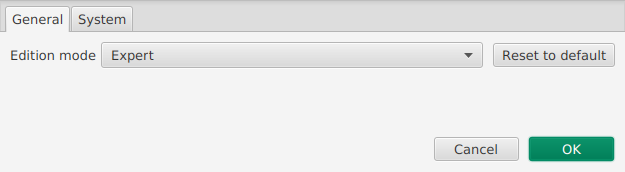
The first tab offers more general usability preferences, as shown above:
- Edition mode
-
This setting enables to select the mode of edition for the application. The default "Collective" mode ensures that the dictionary constraints are perfectly followed. On the contrary "Expert" enables to take some freedom with the organising of the data compared to the dictionary constraints on hierarchy.
System preferences
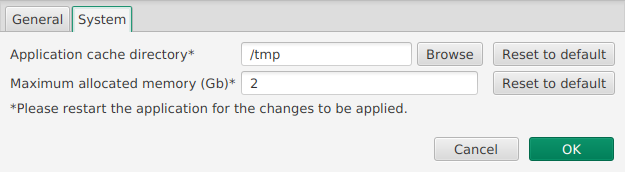
The last tab sets preferences for the system, as shown above. The user can choose:
- Application cache directory
-
By clicking on the btn:[Browse] button, the user can choose the path where the application stores its temporary files. It may be useful to change this setting if you do not have write access to your temporary folder (by default the operating system default temporary folder is used).
- Maximum allocated memory
-
The user can choose the value and unit (Mo or Go) of the available memory for the application. The ArchEthno editor should not necessitate to change this value.