Preferences
The Preferences dialog box allows the setting of the applications options.
At the first launch of the application, the Preferences dialog box is shown and enables the user to change the default parameters right away.
Edition preferences
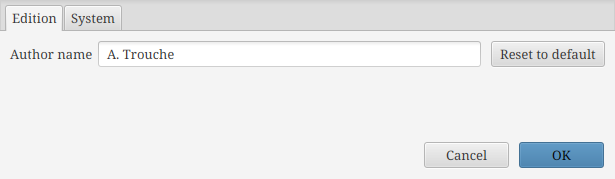
The first tab enables to setup edition parameters, as shown above:
- Author name
-
this option controls the author name used to identify you when saving the dictionary (to have access to the history of saves). It pre-filled with your system username.
System preferences
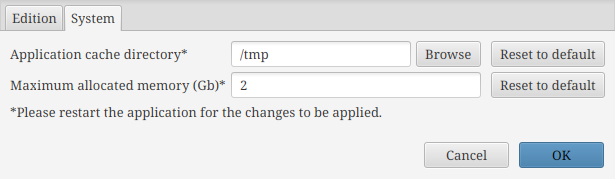
The last tab sets preferences for the system, as shown above. The user can choose:
- Application cache directory
-
By clicking on the “Browse” button, the user can choose the path where the application stores its temporary files. It may be useful to change this setting if you do not have write access to your temporary folder (by default it uses the operating system default temporary folder).
- Maximum allocated memory
-
The user can choose the value and unit (Mo or Go) of the available memory for the application. It can be useful to increase this value when loading very big files, without exceeding the system maximum capabilities.
It is mandatory to restart the application to apply the settings of this tab.